Are you looking for the best ways to organize your notes in Obsidian?
Then this article will show you how so that you can easily retrieve and remember anything you’re looking for in just a few seconds.


You’ve probably read a lot over the past 5 years. Your Kindle highlights look like a rainbow explosion. Your bookshelf …

I’ve been creating content for 13 years. And for 9 of those years, I had no system. I’d have brilliant …

Many writers feel creatively bankrupt. I used to be one of them. I felt merely rehashing what others were saying …

Copy this system. Stop agonizing in front of your keyboard. Enjoy the internet lifestyle. Creating content faster is a cheat …

Need a hand to take notes in Obsidian? In this guide to Obsidian notes, I’m going to show you exactly …
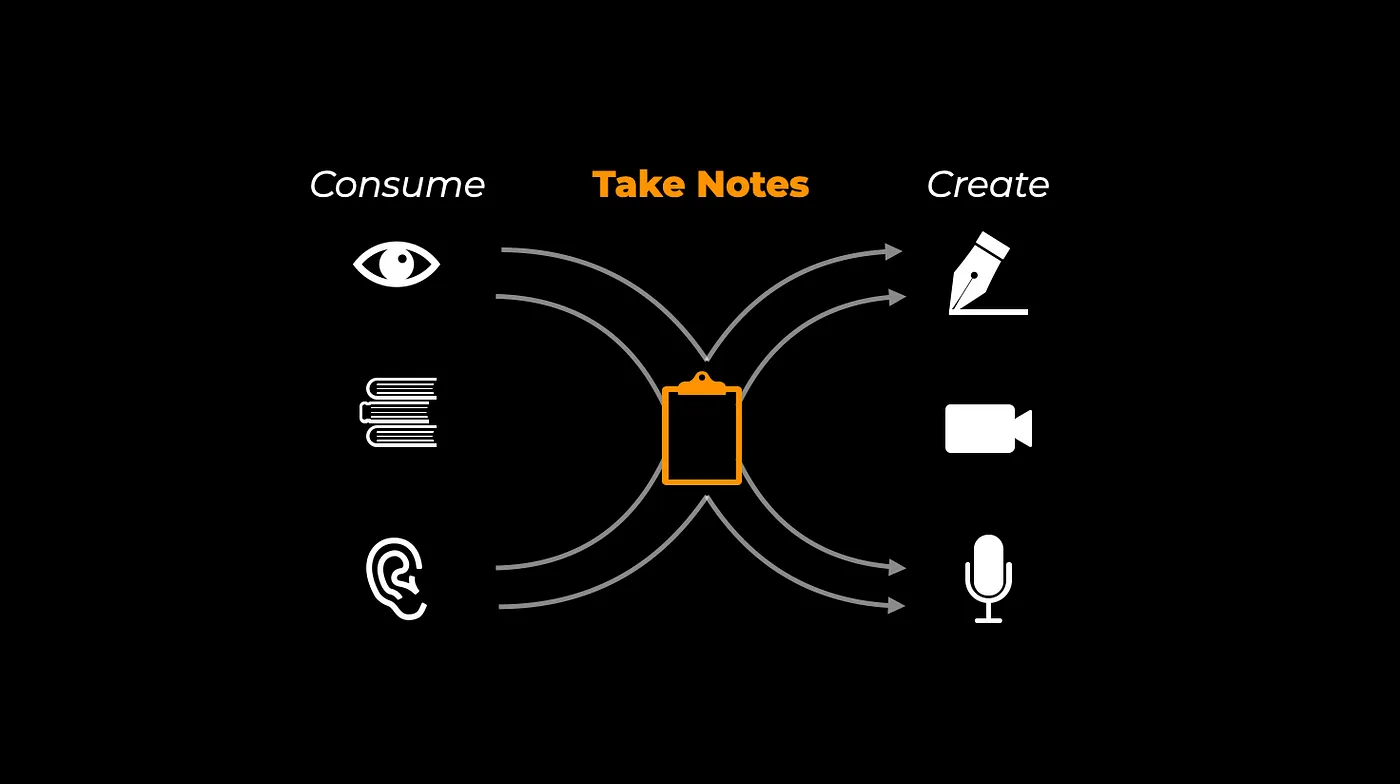
What you’re about to read is the best note-taking system I have found as a content creator. But before sharing …
Not sure about which of Obsidian or Apple Notes you should use for your note-taking system? This article will show …
Do you want to implement PARA in Obsidian? There are two ways to implement PARA in Obsidian. You could either …

Are you looking for the best ways to organize your notes in Obsidian?
Then this article will show you how so that you can easily retrieve and remember anything you’re looking for in just a few seconds.
If you want to blog with Obsidian, then this article will show you how.
There are two ways to start blogging with Obsidian: Using Obsidian Publish (Paid) or using the Obsidian WordPress Publish community plugin (Free)
This article will show you how to set up both methods and the one you should choose.
Let’s get started.